Class schedule & course graphic templates
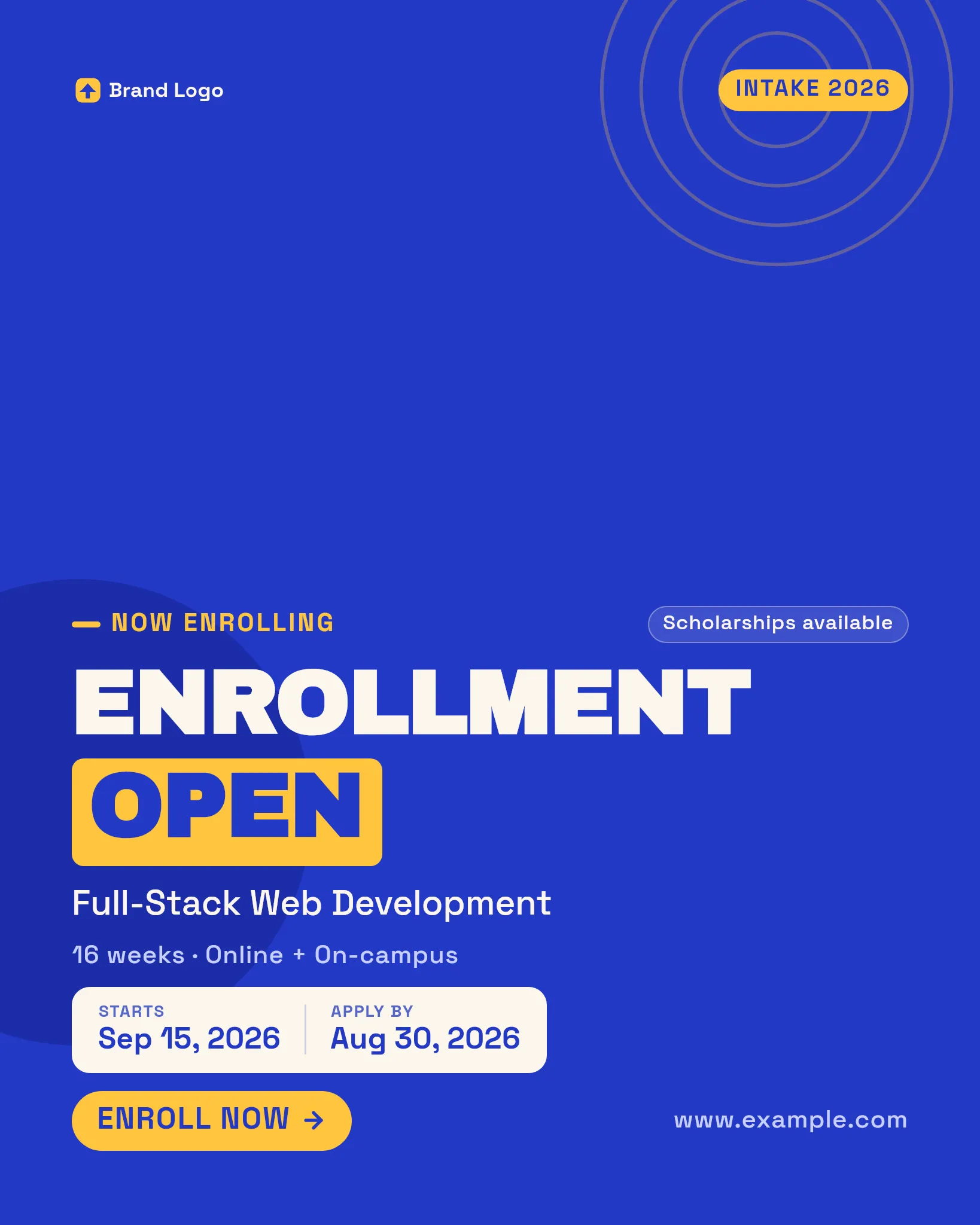
Post this term’s timetable, launch the next cohort and open enrollment from one branded set — the schedule grid, the course announcement and the admissions card, each refilled from your class data every intake. For schools, tutors, academies and course creators running a fresh season on repeat.
14 more templates in this category, opening with the API at launch.
Demo renders are rate-limited and not for production use.
Every term starts with rebuilding the same schedule by hand.
A new timetable, a course launch, an enrollment push — each one means reopening a design file and retyping class names, times and rooms into place, then doing it again the moment a slot moves. But a timetable is a grid of data: a day, a period, a subject, a room. Lock the layout once and render the whole term — schedule, launch and admissions — from your class list, so a room swap or a new cohort is a data edit, not a design job.
What you're probably thinking.
“How does my class schedule get into the grid?”
Each day, time slot, subject and room is a text field you send per render, so the grid, colour blocks and headers stay fixed while the timetable fills with your actual classes.
“Do the course-launch cards show the instructor and start date?”
Yes — the instructor name, start date and weekly schedule are fields you pass per render, so one launch layout announces a fresh cohort each time you open enrollment.
“Can one intake run on a single brand — timetable, launch and enrollment?”
All three draw your logo and accent colour from your Brand Profile, so the schedule a student sees, the course teaser and the admissions card read as one school identity across the whole season.
“When a room or time changes, do I rebuild the whole timetable?”
No — you edit the one field that changed and re-render; every other cell stays exactly where it was, so a mid-term move is a one-line data change, not a redesign.
“What sizes do these render at?”
Each template is authored multi-size, so a timetable or enrollment card renders as a square feed post and a vertical story from one call — sized for wherever families and students actually see it.
Render your first one.
Same deterministic engine, your data — on-brand, identical every time. Your first batch is free, no card required.