
A listing goes live on Monday. You make a "Just Listed" card. Thursday there's an open house, so you make another. The following week the price drops, and that card needs to be up fast, before the portal alerts reach buyers. Then "Under Contract." Then "Sold." Same house, five graphics, each one a separate trip back to Canva to retype the address, drop in the price, and swap the photo.
Now multiply that by every active listing on your board. The design work isn't hard. It's just relentless, and it always lands at the worst possible moment.
💡 The short version: A listing's stages are a data feed, not a design queue. Coming Soon through Sold is one property moving through states your CRM already tracks, so the graphic for each state can fill itself in.
The listing lifecycle is one data feed, not six design jobs
Agents tend to think in individual posts: a just-listed post, an open-house post, a sold post. Those aren't six unrelated things, though. They're one listing moving through a sequence, and the data behind each stage is nearly identical: address, price, beds, baths, a hero photo, your headshot and brand. The only thing that really changes between stages is the label and, sometimes, the number.
| Stage | Fires when | The card says | Timing pressure |
|---|---|---|---|
| Coming soon | listing entered, pre-live | "Coming soon" + teaser | Low |
| Just listed | goes active in the MLS | address · price · specs | Same day |
| Open house | showing scheduled | date · time · address | 1–2 days ahead |
| Price reduced | price changed in the MLS | new price, old one struck | Within hours |
| Under contract | offer accepted | "Under contract" | Same day |
| Sold | closing recorded | "Sold" + final terms | Same week |
Read down that table and the pattern jumps out. It's the same card, restyled six ways, pulling from the same row of data. That isn't really a design problem. It's a data-to-template problem wearing a design problem's clothes.
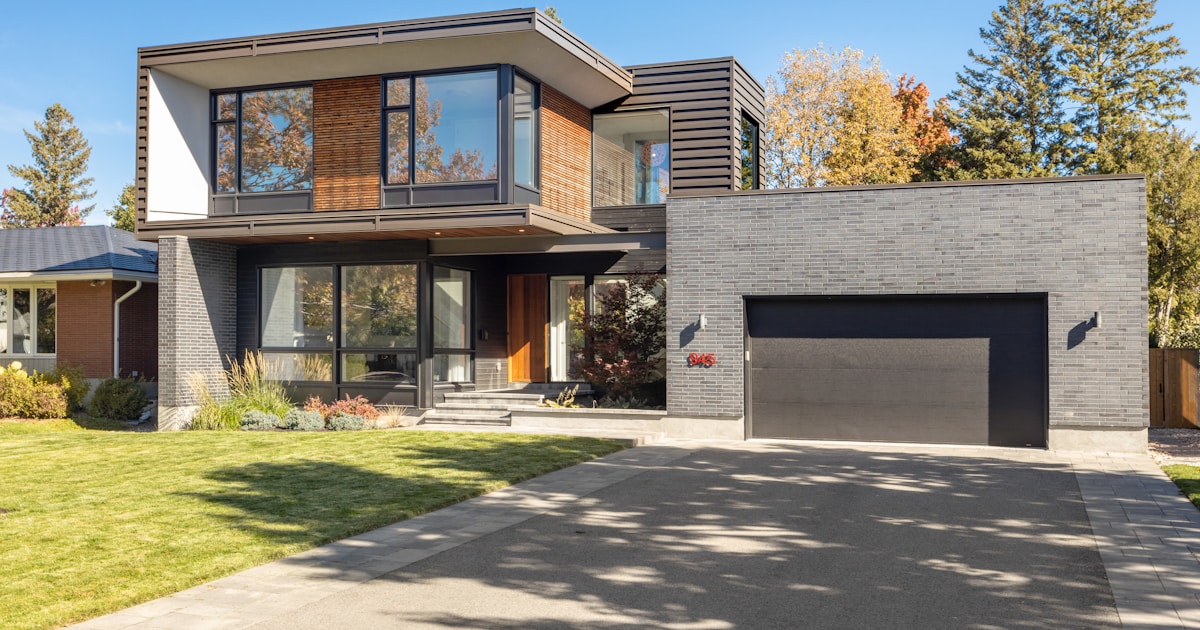
*Photo by Point3D Commercial Imaging Ltd. on *Unsplash
Why "just open Canva" quietly costs you
Canva is a fine tool, and most agents already live in it. The trouble isn't the editor. It's that the editor puts a human decision in front of every single render, and some of those renders are time-sensitive in a way a manual tool can't respect.
The price-drop window
When a price changes in the MLS, the portals start notifying interested buyers almost immediately. Your matching social post is far more effective landing in that same window than two hours later, once you've finally found the old template, updated the number, and lined up the struck-through price. A manual step you have to remember in the middle of a showing day is a manual step that slips.
The multi-listing multiplier
One listing through six stages is six graphics. Eight active listings is closer to fifty renders a month, all structurally identical, none of them hard, every one of them yours to babysit. This is the exact point where "I'll just design it each time" stops scaling and starts eating the afternoon you meant to spend prospecting.
🔑 The test: if you deleted every listing graphic you made last month and had to remake them, would anything about them be different, other than the data? If not, you were doing data entry inside a design tool.
Turn the lifecycle into a pipeline
The fix is to stop treating each card as a fresh design and start treating the lifecycle as a pipeline: set the look once, make one template per stage, then feed listings through it.
Set the brand once
Your colors, your logo, your headshot, your fonts. Store them a single time so every card comes out unmistakably yours without you re-choosing anything. An agent's recognition is built on showing up the same way across a hundred listings, and that consistency should come from a saved profile, not from you eyeballing the brand color before an open house.
One template per stage
Build a Just Listed template, an Open House template, a Price Reduced template, a Sold template. Each one has blanks for the data that changes (address, price, photo, date) and locks everything that shouldn't. From then on the job isn't "design a card," it's "fill in this listing and export." That's where Lemtika fits: pick the stage template, drop in the listing details, and render a finished, on-brand graphic in the time it used to take just to find the right file.

*Photo by Brandy Kennedy on *Unsplash
Batch the slate, not the card
Once each stage is a template, the whole model changes. Instead of making one card the moment you need it, you can run a batch: every active listing, at its current stage, rendered in one sitting on a Sunday afternoon, the way the sharpest agents already batch their content. The price-reduced card that used to be a frantic mid-week scramble becomes a thirty-second fill-and-export, because the template was already waiting.
The point of a listing graphic was never that it looked hand-crafted. It's that it went up, on brand, at the right moment, for every stage of every listing. A pipeline does that. A blank Canva tab, opened for the fiftieth time this month, does not.

*Photo by Jakub Żerdzicki on *Unsplash
Common questions
Do I still control how the cards look?
Yes. You design each stage template once, exactly how you want it. After that you're filling data into a look you already approved, not accepting something a machine generated for you.
What about my MLS or CRM data?
The data you already keep per listing (address, price, specs, photo) is exactly what the template needs. The closer your source of truth, the less retyping; even a simple spreadsheet of active listings is enough to fill a stage template.
Isn't a template going to look generic?
Generic comes from using the same default template every other agent uses. A template built around your own brand kit, with your colors and headshot, is the opposite: consistent and recognizably yours across every listing.
Can I really batch a price-reduced card in advance?
You batch the template, not the timing. The Price Reduced card sits ready, so when a price actually changes you fill the new number and export in seconds, which is what lets you hit the window while the portal alerts are still fresh.
How many templates do I actually need?
Start with the four stages you post most: Just Listed, Open House, Price Reduced, Sold. That covers the majority of listing posts. Add Coming Soon and Under Contract later if you use them.
Does this work for a small team, not just solo agents?
Especially for a team. A shared brand kit and shared stage templates mean every agent's listing cards look like they came from the same brokerage, which is the entire point of a team brand.
Your listings already move through defined stages, and your CRM already knows which one each is in. The graphics are the only part still being rebuilt by hand. Give each stage a template and a saved brand, and the lifecycle starts posting itself. That's the job Lemtika is built for.
*Cover photo by Albert Stoynov on *Unsplash